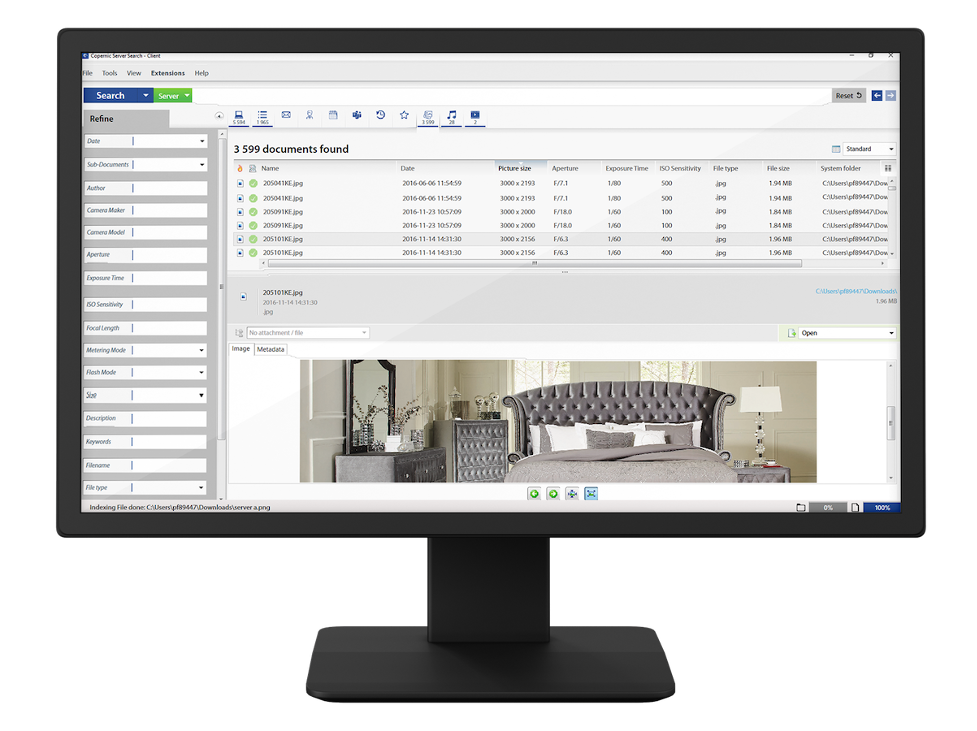


Boost your efficiency with the right search tool

Deep
searches
Copernic can index and search over hundreds of file types and emails—on desktops, network, virtual desktop and even the cloud!

Fast
results
Once a search index is created, take advantage of fast search results that appear on the screen.

Robust
security
Whether you use our Desktop or Server Search solution, your data will always remain extremely secure.
Our solutions

Desktop & Cloud Search
Dig into your desktop
Desktop & Cloud Search finds absolutely everything on your desktop with an unmatched degree of relevance and context.
While the need for speed is important to maximize efficiency, never compromise on the depth and sophistication of your searches.

Business Server Search
Chase down company-wide information
Ideal for teams and departments, Business Server Search can help employees easily sift through massive amounts of data generated by day-to-day tasks.
Business Server Search has been designed to carry out extensive searches without impacting system resources and performance.
Featured In





LOOKING FOR AN EFFECTIVE FILE SEARCH SOFTWARE TO BOOST YOUR PRODUCTIVITY? LOOK NO FURTHER, BECAUSE COPERNIC HAS CREATED THE MOST INNOVATIVE AND POWERFUL SEARCH SOLUTIONS FOR INDIVIDUALS AND BUSINESSES ALIKE.
Unlock Intuitive Search Capabilities
When it comes to file-searching software for your PC, Copernic is the best in the business. Our powerful search tools are designed to help you find hundreds of file types, emails, and attachments quickly and easily. With Copernic, you can say goodbye to the frustration of manually searching through countless folders and documents.
Our Desktop Search software is the perfect solution for Windows 10 & 11 users, providing lightning-fast search speeds and a customizable interface that lets you find what you need in seconds. And if you’re looking for an image search desktop tool, our software is the answer. With support for popular image file types and advanced search options, you can easily locate the images you need for your projects.
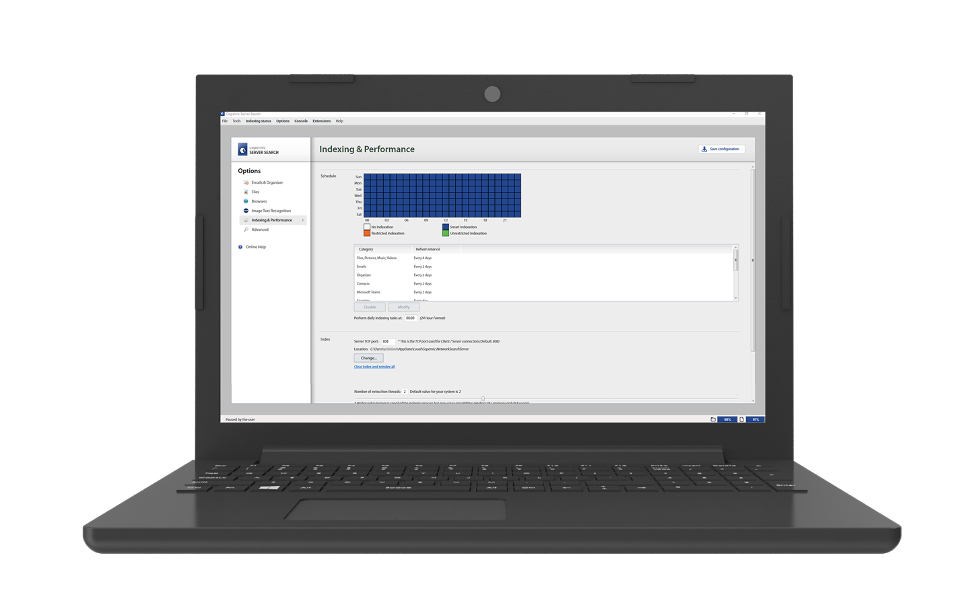
The Original Enterprise Search Software
For businesses, our Enterprise search software is second to none. Our Copernic Business Server Search product provides centralized search capabilities for multiple users across your organization. With advanced features such as secure access control, real-time indexing, and support for popular file types, it’s the perfect tool for managing and organizing your company’s files and data.
Our Enterprise search tools and features make it easy to streamline your operations, reduce frustration, and boost productivity. From real-time indexing to advanced search options and secure access control, we’ve got everything you need to take your business to the next level.
So, whether you’re an individual looking for the best search tool for Outlook or a business seeking enterprise search features, Copernic has the solution for you. Try our file search software today and experience the benefits of intelligent, intuitive file search.
Feel the Copernic Difference
Copernic is more than just our products. We’re committed to delivering an exceptional search experience, with features like real-time indexing, customizable search options, and secure access control. And our customer support team is available with any questions or issues you may have.
Why Choose Copernic? Our software is designed to save you time and effort, allowing you to focus on what really matters. Whether you’re a busy professional, a small business owner, or part of a larger organization, our search solutions can help you streamline your operations, reduce frustration, and get more done.
Don’t settle for subpar search software – choose Copernic and experience the benefits of intelligent, intuitive file search.